

Platform / Rules
The rules behind the sorting.
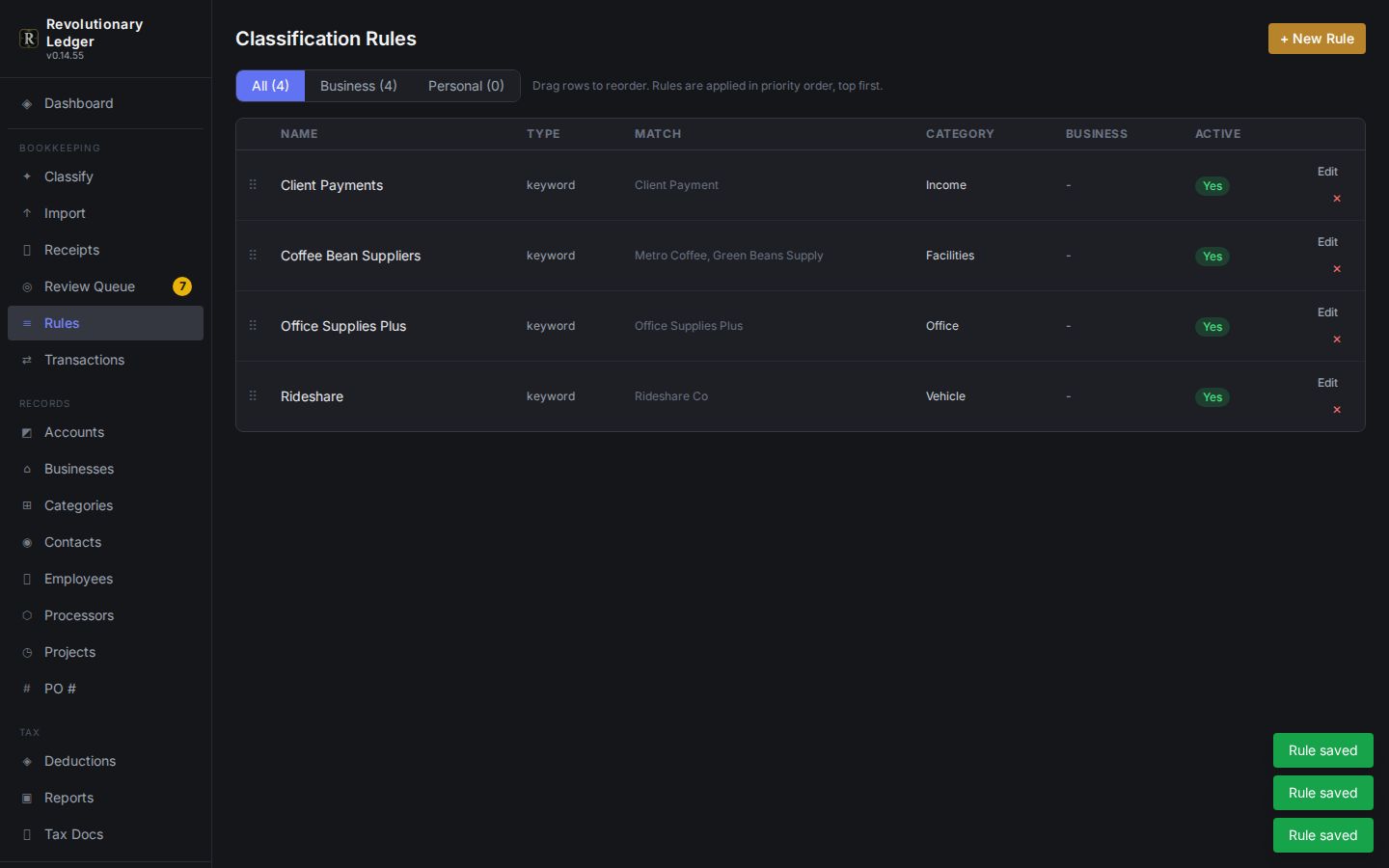
Classification is not a black box. It runs on rules you can see, in the order you set them, matched against the business, account, contact, category and amount of each transaction.
What it does
Built around how the work actually happens
Priority order
When more than one rule matches a transaction, priority decides which one wins, and you can reorder rules at any time.
Matches on what you know
A rule can key on business, account, contact, category or an amount range, alone or combined.
Resolves the category for you
Name a subcategory and the correct parent is applied automatically.
Refuses to guess wrong
A rule naming a category that exists under more than one parent is rejected until you say which one you mean.
How it works
3 steps
Write a rule
Match on whatever combination of business, account, contact, category or amount identifies the transaction.
Set its priority
Drag it into place among the rules already in the workspace.
Let it run
Every new transaction is checked against the rules in priority order before it ever reaches a person.
See it next to the rest of the platform.
Every capability here reads from the same ledger, so nothing needs a second export to line up.